Change program settings
Open Settings → Program settings for access and portal controls. Pick the right program in the sidebar before making a change.

Customer privacy
Choose Show customer names to affiliates if affiliates need names. Choose Hide customer identities to hide them again. Emails and payment IDs are always hidden from affiliates.
Referral links
Choose Edit link permissions. Set whether links are visible in the portal and whether affiliates can personalize codes. These are separate choices.
Program terms
- Choose Edit terms link.
- Enable Show terms on signup and enter your public Terms page URL.
- Set Require acceptance to Yes if affiliates must agree before applying.
- Save, then open the affiliate portal. Check that the link loads the right page.
When acceptance is required, a new affiliate must check I agree to the program terms of service. If you change the settings while an affiliate is filling in the form, they must refresh and read the current terms.
Open an affiliate’s View profile to see the accepted version, link and date. Changing the terms later keeps the old acceptance record. This applies to new applications. Existing affiliates are not asked to accept again, including when they activate an invitation for an existing affiliate record. The record stores the link, not a copy of the linked page. Use a new URL when you publish new terms so the old link still shows what the affiliate read.

Pause or resume
Use Pause program to stop new tracking writes and new payment commissions. Use Resume program to restart. Existing records stay saved.
The portal path is shown on this page.
Portal colors
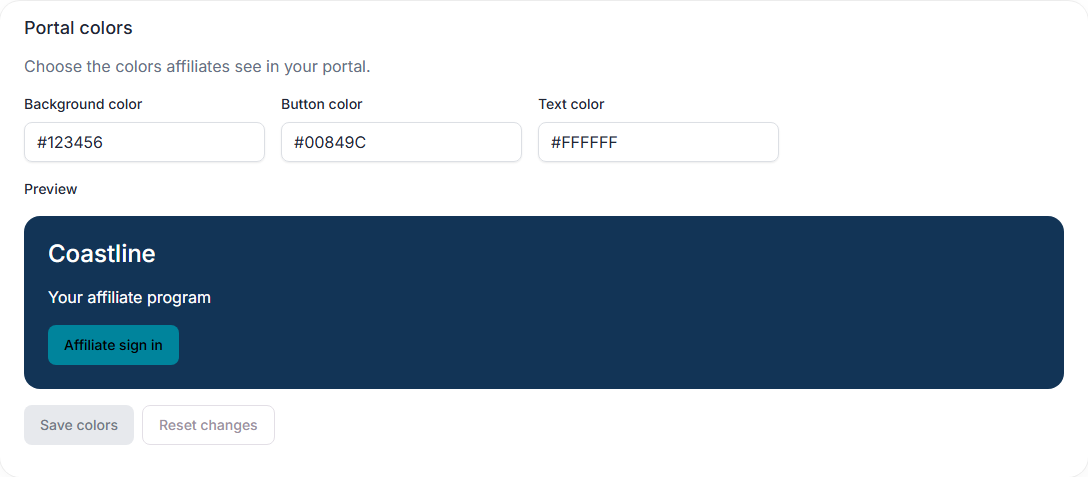
Program owners can set Background color, Button color, and Text color under Portal colors. Enter a six-digit hex color, such as #00849C. Background and text colors style the affiliate portal sidebar, including the navigation drawer on a phone. Button color styles primary portal actions. The business dashboard keeps its own colors.
Check the preview, then choose Save colors. Reset changes discards unsaved edits. If another tab has saved newer colors, choose Reload saved colors before editing again.
Portal images
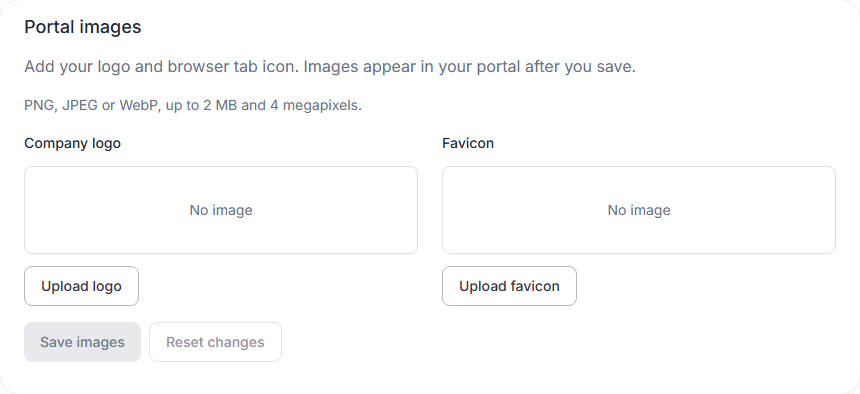
Under Portal images, upload a Company logo and a Favicon (the small browser tab icon). Choose PNG, JPEG or WebP files up to 2 MB and 4 megapixels. Images are converted to PNG; the favicon is fitted into a 64-pixel square.
Check the previews, then choose Save images to show them in your affiliate portal. Uploading alone does not publish an image. Remove logo or Remove favicon clears that image when you save; the other image stays in place. Reset changes restores the saved images. If another tab has saved newer images, reload the saved images before editing again.
Custom portal domain
- Under Custom portal domain, enter a hostname such as
affiliates.example.comand choose Add domain. - Add the displayed TXT record at your DNS provider. Keep its full value.
- Choose Check connection. After ownership is verified, add the connection records shown on this page.
- Check again after the records have propagated. When the status is Connected, choose Open portal.
The portal uses HTTPS. Affiliates sign in through Referral Bear and return to your domain. Your dashboard stays at Referral Bear. Keep the DNS records in place; a missing or expired certificate prevents the custom domain from opening.
Remove domain disconnects the hostname from this program. It does not delete records at your DNS provider. The original Referral Bear portal address still works. Remove the current domain before adding a different one.